- Overview of AI tools, not limited to ChatGPT, Claude, Gemini and Copilot
- Differences between traditional and generative AI; key concepts
- Capabilities, limits and common errors (hallucinations)
- General ethics, risks and benefits
- First use cases for the participant's role
AI workshops for organizations
16 topics to build the workshop your team needs
Pick one topic for an individual session or combine several into a custom session. In person, virtual or hybrid, in Spanish or English.
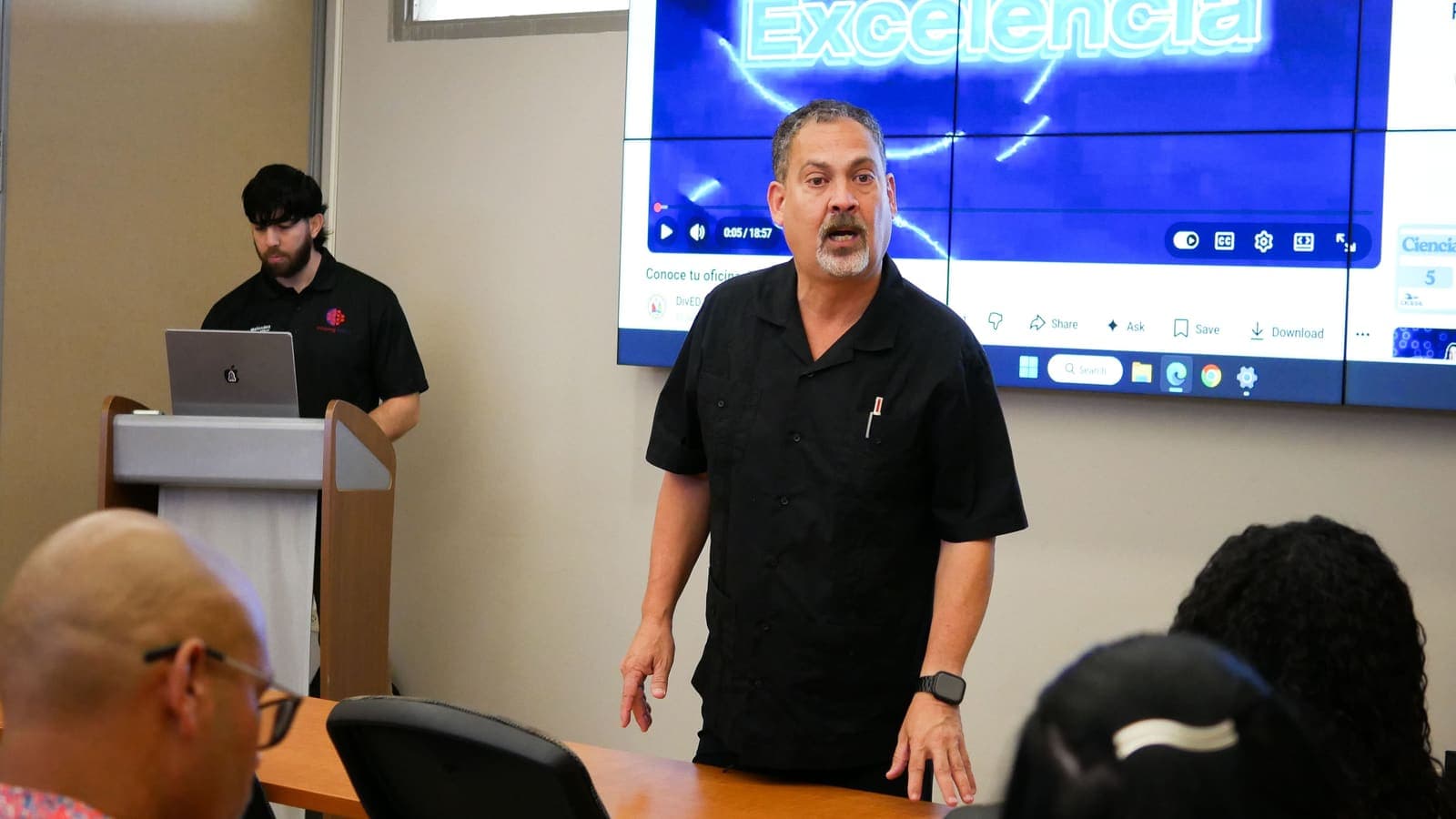
More than 3,000 people since 2022

- UPR Ponce
- UPR Carolina
- UPR Aguadilla
- UPR Bayamón
- UPR Mayagüez
Choose your topics
Choose one or more topics
One topic is an individual session. Two or more make a combined session.
Tell us about your group
Audience, format and approximate date.
Receive your proposal
We write to you within 2 business days.
- Prompt template (role, context, task and format)
- Iterating and refining results
- Reusable prompts for recurring tasks
- Quality evaluation and verification of the result
- The participant's personal prompt library
- Main risks and algorithmic bias
- Protecting personal and institutional data
- Social engineering and AI-assisted impersonation (deepfakes)
- Preventing hallucinations and verifying output
- Regulatory considerations and internal use policies
- Diagnosis of processes and AI opportunities
- Prioritizing use cases by impact, risk and effort
- Internal use policy and data governance
- Selecting and evaluating tools, not limited to Microsoft Copilot, Google Gemini and ChatGPT
- Change management and staff training
- A 90-day roadmap for the participant's organization
- Generating research questions
- Advanced search and reliable sources
- Summarizing and comparing academic literature
- Checking citations and preventing false references
- Structuring arguments and drafts
- Proposals, reports and formal letters
- Abstracts and responses to calls for proposals
- Controlling tone, style and institutional format
- Assisted review and editing
- Checking facts before submission
- Email management, summaries and automatic notes with AI tools or other project management technology, not limited to what the organization already uses
- Agendas, minutes and follow-up on agreements
- Translations and format conversion
- Workflow automation with forms and spreadsheets
- Designing the participant's own automated workflow
- SWOT analysis and assisted strategic maps
- Simulated scenarios and analysis of alternatives
- Structured decision models
- Action plans with tracking metrics
- Exercise on a real decision in the organization
- Step-by-step explanation of concepts
- Generating examples and practice exercises
- Targeted review and exam preparation
- Designing personalized study experiences
- Honest academic use and its limits
- Objectives, outcomes and assisted curriculum alignment
- Learning sequences and lesson scripts
- Activities, examples and materials differentiated by level
- Designing modules for online platforms
- Prototype of the participant's own module
- Overview of image, video and music generation tools, not limited to Midjourney, Sora and Suno
- Writing effective visual instructions
- Promotional pieces and educational materials
- Rights, attribution and fair use
- Producing a piece of the participant's own
- Monthly content calendar generated and adjusted
- Text, images and short videos with AI, not limited to Canva and CapCut
- Ads and promotions on a small budget
- Rights, attribution and fair use of images
- Producing a week of content for the participant's organization
- What an agent is and when to use one
- Breaking a real process into steps
- Designing the flow with human checkpoints
- Orchestration tools, not limited to Zapier, Make and n8n
- Prototype on a process of the participant's
- Basic data concepts and data quality
- Cleaning and organizing with AI support
- Visualization and dashboards, not limited to Excel, Google Sheets and Looker Studio
- Critical reading of metrics and indicators
- A starter dashboard on the organization's data
- Connecting with forms, CRMs and education systems
- Automating flows between platforms
- Integration cases by sector
- Security criteria and data governance
- Integration map for the participating organization
- Computational thinking to break problems into steps
- Code fundamentals with an AI copilot
- From prompt to prototype, building a small and useful tool
- Reading and debugging generated code
- Best practices and limits of assisted programming
Ready-made combinations
Certifiable routes that group four topics each, offered directly or through your institution's continuing education. Add one in full and adjust it if you like.


Professional Certification in AI Applied to Work
Generative AI from scratch, Effective prompts, Task automation, Security, ethics and privacy


Certification in AI for Teaching
Generative AI from scratch, Learning and tutoring, Image, video and multimedia, Security, ethics and privacy


Certification in Data and Automation for Small Businesses
Data and analytics, Task automation, AI in your platforms, Decisions and planning
Formats available for any combination:
- Workshop
- Series or certification
- Intensive bootcamp
- Talk or conference
- Hackathon
- One-on-one technical assistance